Get the layarkaca22 App onto Your Phone
The layarkaca22 app keeps the whole lobby in your pocket: 4,400 games, live dealer tables and badminton markets behind one login. Download the APK, install it, then sign in with the account you already use on the website. No new wallet, no second registration.
- Free download, no subscription and no ad packs
- 45 MB file that runs on Android 9.0 and newer
- Deposits from Touch ’n Go eWallet, DuitNow and FPX
- Same balance and bonus progress as the browser site
Scan this code with your phone camera to open the download page on the handset you want the app on, then tap Download APK.
18+ · Play Responsibly
Phone app or browser: which one fits how you play?
Both versions share one account, one wallet and one game library, so nothing is lost by moving between them. The difference shows up in daily details: how fast the lobby opens on Malaysian mobile data, and how many taps stand between you and a deposit.
| What you are comparing | The layarkaca22 app | Mobile browser |
|---|---|---|
| Opening the lobby | Game tiles are cached after the first visit, so the second open is close to instant, even on a weak line. | A fresh page load every time. On a crowded network that means a few seconds of waiting before you can tap anything. |
| Data used per session | Cover art and sounds are stored on the phone, so repeat sessions pull far less from your prepaid plan. | Artwork is fetched again on each visit. Fine on home Wi-Fi, noticeable when you play on mobile data every evening. |
| Staying signed in | You stay logged in until you choose to log out, so a quick check of a live table takes one tap. | The session can expire when you close the tab or restart the browser, and you type the password again. |
| Notifications | Optional alerts for bonus drops and completed withdrawals, sent by the app rather than by SMS. | Nothing arrives unless you keep a tab open or check the promotions page yourself. |
| Cashier | Touch ’n Go eWallet, DuitNow, FPX Online Banking and bank transfer, from RM25, with the balance refreshing on screen. | Identical cashier and identical limits, opened in a browser tab that you may need to reload afterwards. |
| Space on the phone | One 45 MB install plus a small cache that you can clear from Android settings whenever you like. | No install at all, though the browser cache grows quietly and is harder to track down. |
| Updates | A new build installs over the old one from inside the app, and your login survives the swap. | Always the current version, because the page is served fresh each time you open it. |
If the phone is shared with family or storage is tight, keep using the browser. If you play most days and want fewer taps to the cashier, the 45 MB is worth it. Either way, your account details and limits follow you, because they live on the server rather than on the handset.
What the app asks for, and what it never touches
Android shows you a permission list before anything installs. Here is the same list in plain words, so you know what you are agreeing to when you tap Install on the layarkaca22 APK.
Install from layarkaca22.my only
The file on this page is the build we publish. APKs forwarded through WhatsApp groups or picked up from mirror sites can be repacked with extra code, so delete those and take a fresh copy here.
Passwords stay on the device
Your password is typed inside the app and never written to a plain file. Balance checks and session tokens travel over the same encrypted connection the website uses, so a shared Wi-Fi network cannot read them.
No contacts, SMS or microphone
The install asks for storage to keep game files and network access to reach the servers. It does not read your messages, your call log or your contact list, and it does not keep running once you close it.
Updates you approve yourself
Version 2.3.9 checks for a newer build each time it opens, then waits for your tap before installing anything. Uninstalling the app clears the phone copy and leaves your account, balance and VIP progress untouched.
File details before you tap download
The layarkaca22 app is distributed as a direct APK rather than through Google Play, so you can see exactly which build you are getting. Check the version number and the Android requirement below, then download once and keep the file until the install finishes.
| App detail | Value |
|---|---|
| Version | 2.3.9 |
| File size | 45 MB |
| Minimum Android | 9.0 |
| Last updated | 11 November 2026 |
| Price | Free |
| Languages | English, Bahasa Melayu |
No account yet? Register on the website first, then install, so the welcome bonus is already credited when you open the app.
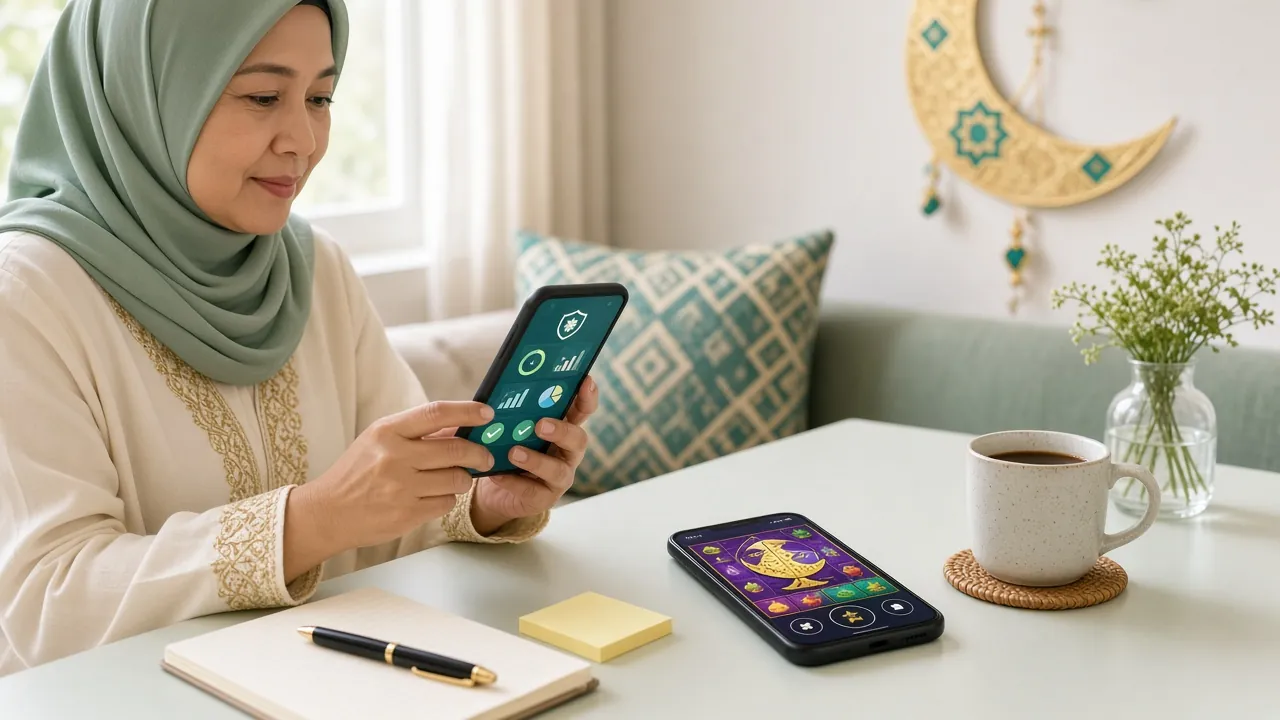
The lobby on a 6-inch screen: game search at the top, cashier and wallet one tap below.
Putting the APK on your phone, step by step
Five steps, about three minutes on a decent connection. Do it once and the app stays on your home screen until you choose to remove it.
-
Allow your browser to install files
Open Settings, then Apps, then Special access, then Install unknown apps. Pick the browser or file manager you will download with and switch Allow from this source on. On Android 9 the same toggle sits under Security instead.
-
Download the 45 MB file
Tap Download APK on this page and keep the screen awake until the notification confirms the file is complete. On 4G in Malaysia this usually takes under a minute; campus or hotel Wi-Fi can stall, so retry on mobile data.
-
Run layarkaca22.apk
Open the download notification or your Files app, tap layarkaca22.apk, then choose Install. Play Protect may warn about an unknown developer. Tap Install anyway only if the file came from this page, never from a forwarded message.
-
Sign in and check your balance
Open the app and use the same username and password as the website; the layarkaca22 login screen is the same one. Your balance, bonus progress and withdrawal limit are already waiting. New players should register an account first and set a deposit limit.
-
Keep version 2.3.9 current
When a newer build is ready, the app shows an update prompt on open. Accepting it installs over the old copy without touching your login or balance. Old builds gradually lose access to new live tables, so accept the prompt when it appears.
On an iPhone, add the site to your home screen
There is no iOS APK, and we do not ask iPhone users to sideload anything. Open layarkaca22.my in Safari, tap the Share icon, then choose Add to Home Screen. The icon opens the same mobile lobby in full screen, keeps your saved login, and updates itself whenever the site does.
What you can open once you are signed in
Browse the casinoThe full lobby, one tap away
All 4,400 games sit behind a single search bar, with titles from Habanero, PG Soft, JDB, CQ9, JILI and Ezugi. Recently played games pin to the top, so you skip the scrolling on a small screen.
Live tables and crash rounds
Single Deck Blackjack runs on a real dealer feed, while crash titles let you set a cash-out point before the round begins. Both behave like the desktop version and publish the same return figures.
Ringgit deposits in the app
Top up with Touch ’n Go eWallet, DuitNow, FPX Online Banking or bank transfer from RM25. Most deposits land within about 6 minutes, and the balance refreshes without you reloading the page.
Withdraw without a laptop
Request from RM80, up to RM14,000 a day, and a cleared first payout usually lands in about 4 minutes. Pending requests stay visible in the wallet tab until they are approved.
Badminton and football markets
Malaysian players follow the badminton circuit closely, and the app carries the same pre-match and in-play markets as the website. Read the badminton betting guide before your first stake.
Bonus progress you can see
The 185% first deposit bonus up to RM900, 23% reloads and 1.2% daily cashback all show their progress in the wallet tab, with the 20x wagering requirement counted down as you play.
Two games worth opening first


When the install refuses to finish
Most failed installs come down to four things: a half-finished download, a permission toggle pointed at the wrong app, a full storage folder, or a Play Protect warning. Match what you see on screen to a row below.
| What you see | Why it happens | What to do |
|---|---|---|
| “App not installed” at the end of the install | The phone still holds a partial download, or an older copy was signed with a different key and Android refuses to replace it. | Delete any earlier layarkaca22 APK, clear the Downloads folder, download the 45 MB file again and install the fresh copy. A restart between the two helps on older phones. |
| The “allow unknown apps” switch is greyed out | The toggle belongs to a different app than the one opening the file, usually the file manager rather than the browser. | Go back to Special access and point the permission at your file manager as well, or open the APK straight from the download notification instead of from inside the browser. |
| Play Protect says the app is unsafe | Scanner data has not caught up with a sideloaded build, which is common for apps distributed outside Google Play. | Confirm the file came from layarkaca22.my, then tap More details and Install anyway. Delete anything that arrived through a chat app, because those copies cannot be verified. |
| Download reaches 100% but nothing opens | Storage is full, or battery saver interrupted the installer while the screen was off. | Free up space, plug the phone in, then open the file from Files or Downloads rather than from the browser tab you downloaded in. |
| The app opens but the login is rejected | A typo in the username, or an older build than 2.3.9 talking to an updated server. | Reset the password through the login page, install the current build, and if the error repeats, open 24/7 Live Chat with the message you see on screen. |
Take the lobby with you in one 45 MB file
The APK is a straight download, not a store sign-up: tap the button, let your phone unpack it once, and the icons you already know are waiting after the first login.
- Ringgit in, ringgit out. Touch ’n Go eWallet, DuitNow, FPX and bank transfer sit in the app cashier, with deposits credited in about 6 minutes.
- One bottom bar for everything. Slots, Ezugi live tables and badminton markets all open from the same thumb-width row, so you are never hunting for a menu.
- Help stays on the same screen. 24/7 Live Chat opens over the table you are playing, no tab switching and no re-login.
- Nothing to pay for later. Free download, no subscription, and no ad packs bundled into the file.
No account yet? Create one in a few minutes, then come back to this page for the file. 18+ · Play Responsibly.